Wedding Card
AR Experience
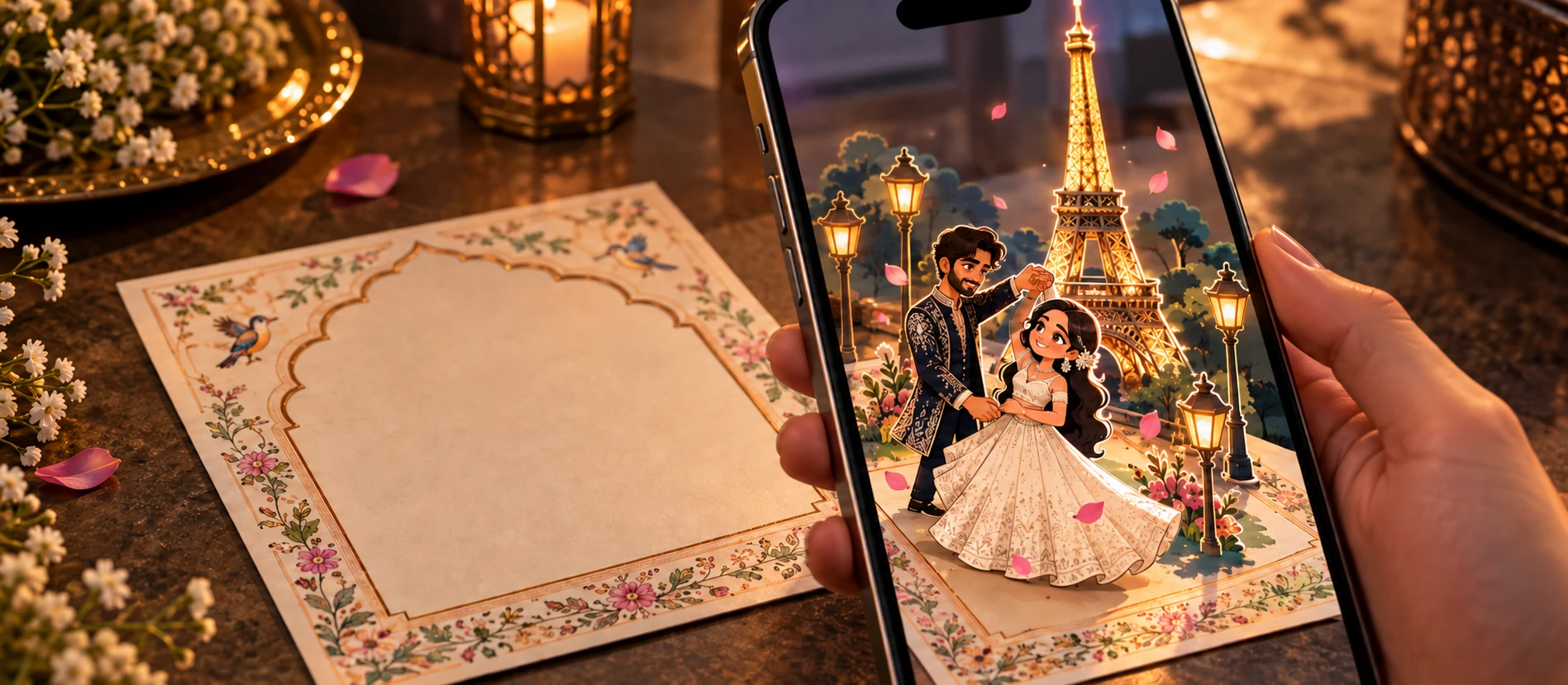
What if a wedding invitation could tell the couple's story?
01 Direction
From save-the-date reels to AR
Wedding save-the-date videos are everywhere, but they still live on a screen you scroll past. We asked a different question: what if the physical invitation card itself became the trigger? Place it in front of your phone and the couple's story appears above it, anchored exactly where you're looking.
The card becomes the marker. The experience plays on top of reality, not inside an app.
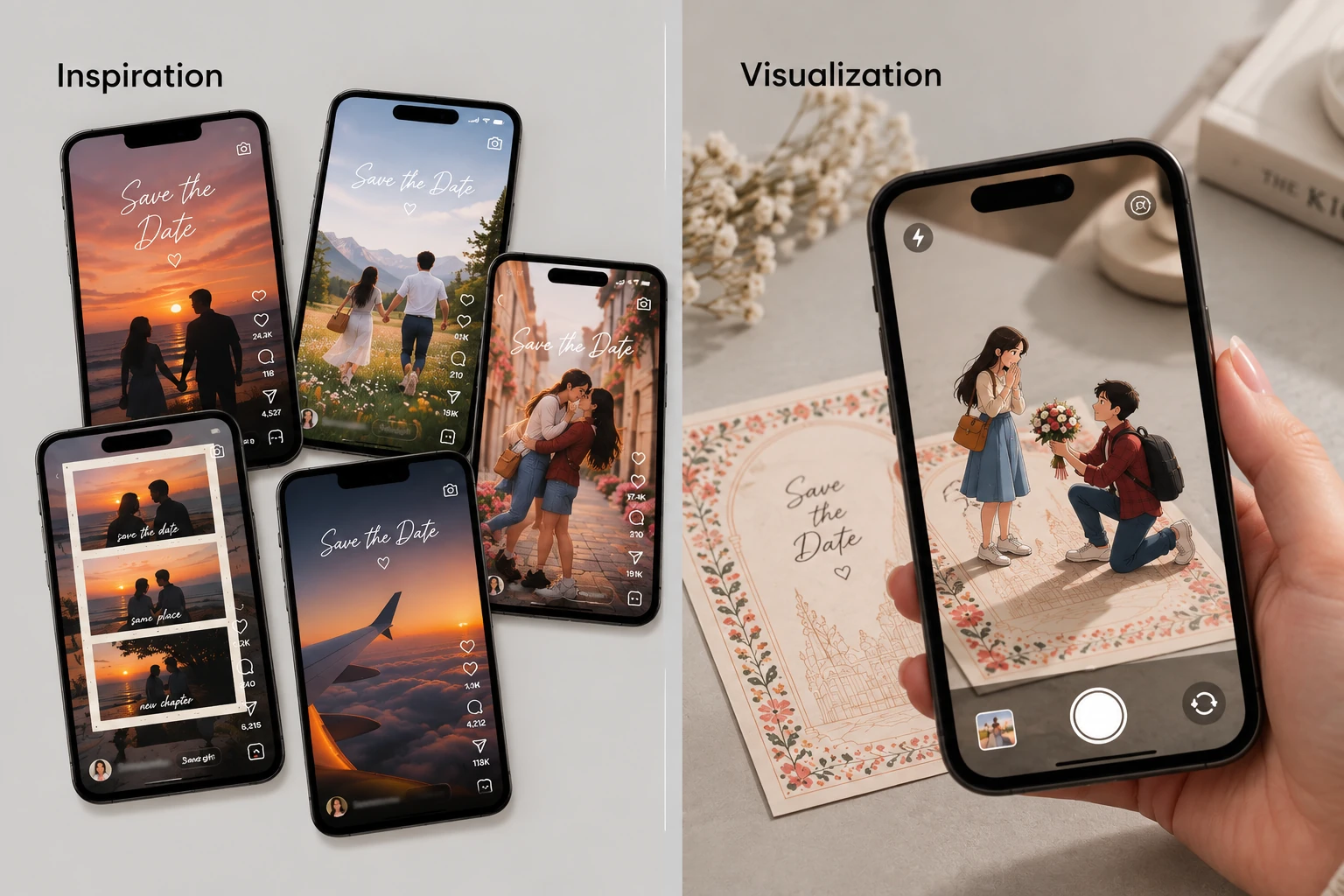
How it looks in AR — the story plays anchored to the physical invitation card
02 Visual Direction
Picking a direction before touching any tool
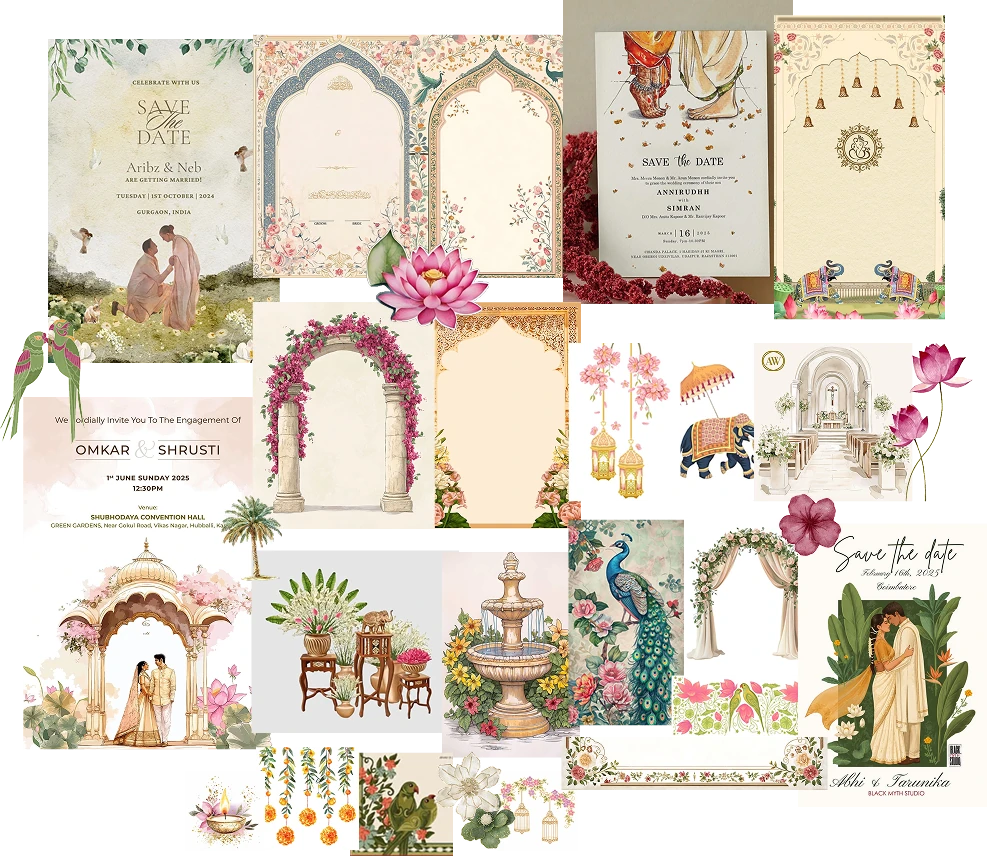
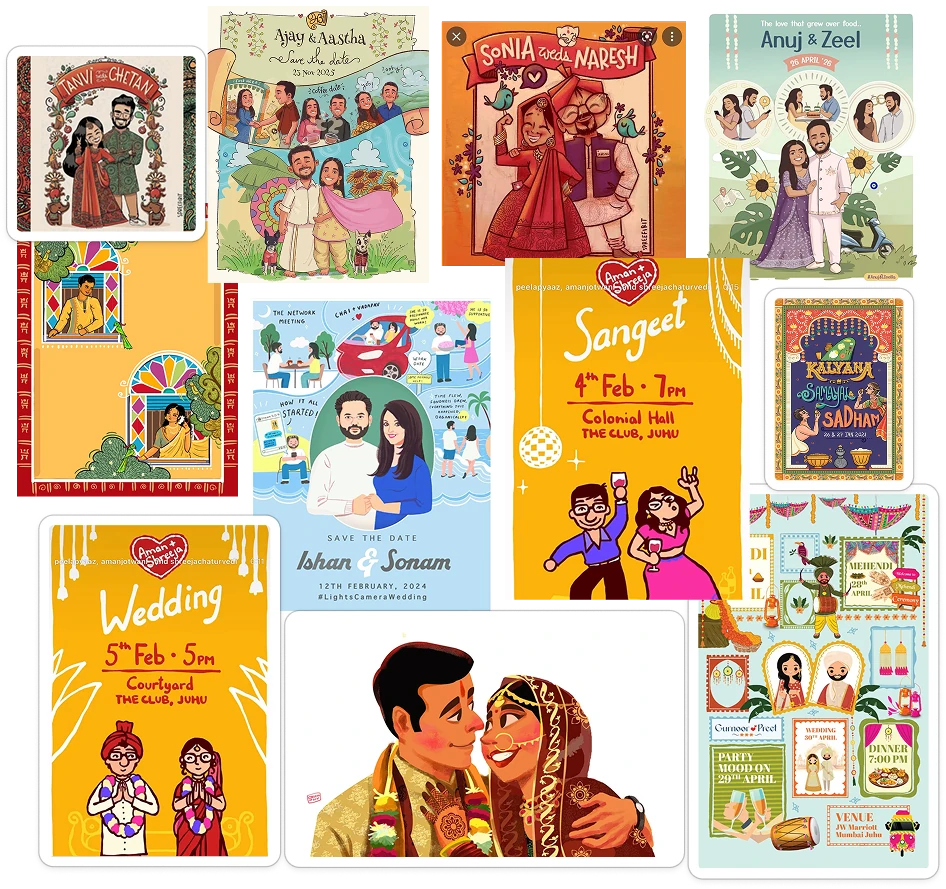
We built a moodboard first, exploring two very different directions. One minimal and magical, one bold and playful. Both were fully fleshed out with palette, illustration style and motion language before we chose.
We went with Bold and Playful. Flat illustrated cutouts, warm reds and golds, energetic transitions. It felt more celebratory and more true to the wedding context.
03 Characters
Rahul and Arya
The characters are flat illustrated cutouts, not rigged 3D models. Each pose is a single illustrated piece we can move, hold or swap. Surprised, laughing, in love. We used ChatGPT to generate the visual assets from detailed prompts once the style was locked.
Consistent proportions, outlines and colour across every pose kept them feeling like one cohesive set, not separate drawings.
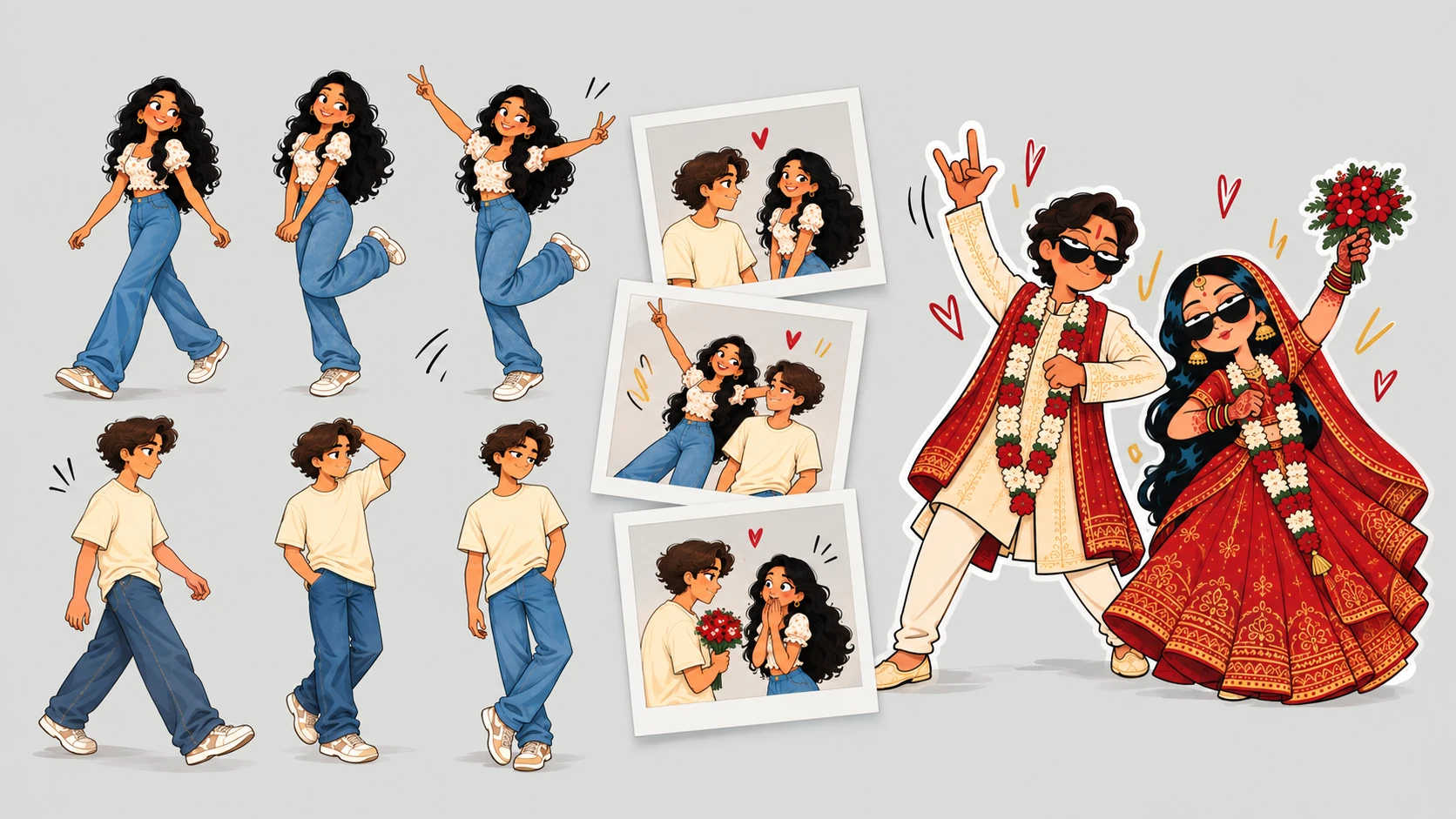
Rahul and Arya — flat illustrated cutouts generated from locked style prompts
04 Interaction Mapping
Mapping what the user does to what they feel
Before animating anything, we mapped every moment in the experience. What the user physically does, what the system detects, what it shows, and what feeling that creates. This became our contract between design and code.
| Step | User does | System detects | AR responds | Feeling |
|---|---|---|---|---|
| 01 Arrival | Places the wedding card in front of the camera | Image marker detected | Prompts the user to tap to start | Surprise |
| 02 Awakening | Taps the phone | Tap detected | AR comes alive, elements anchor to the card | Immersion |
| 03 The Journey | Drags the plane across the scene | Drag gesture detected | Scenes play as if travelling with the couple | Engagement |
| 04 Farewell | Taps the button at the end | Tap on final button | Arya kisses Rahul on the cheek | A fond goodbye |
05 Script
Beat-by-beat before a single frame was animated
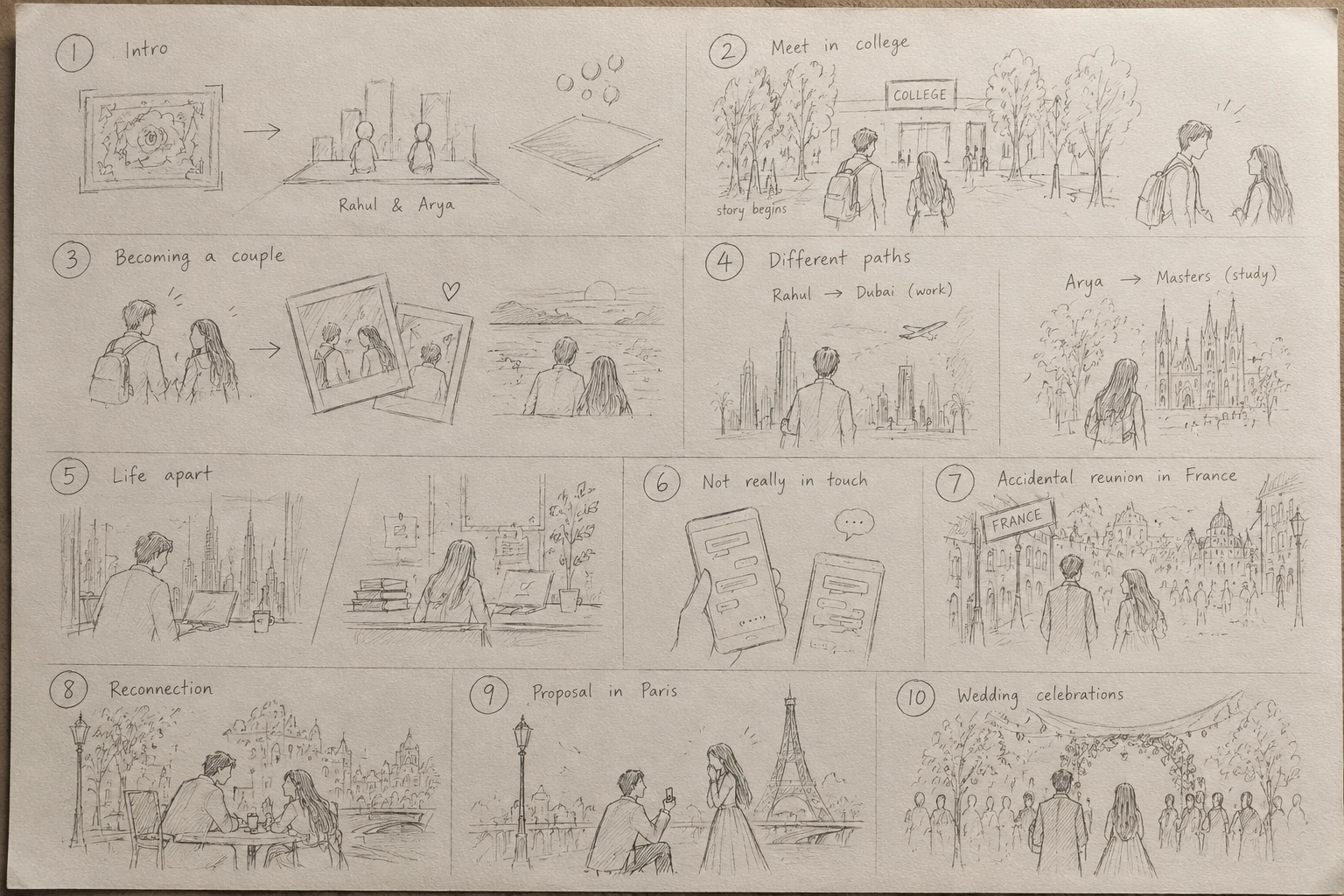
We wrote Rahul and Arya's story first. How they met in college, grew apart across cities, reunited and got engaged. Then broke it into scenes: meeting the characters, college, becoming a couple, life apart, the reunion and proposal, the wedding celebrations.
Every scene was scripted beat by beat. What moves, what text appears, how one scene transitions into the next. Only then did we start building.
06 Animation Language & Build
Rules for how everything moves, then bringing it to screen
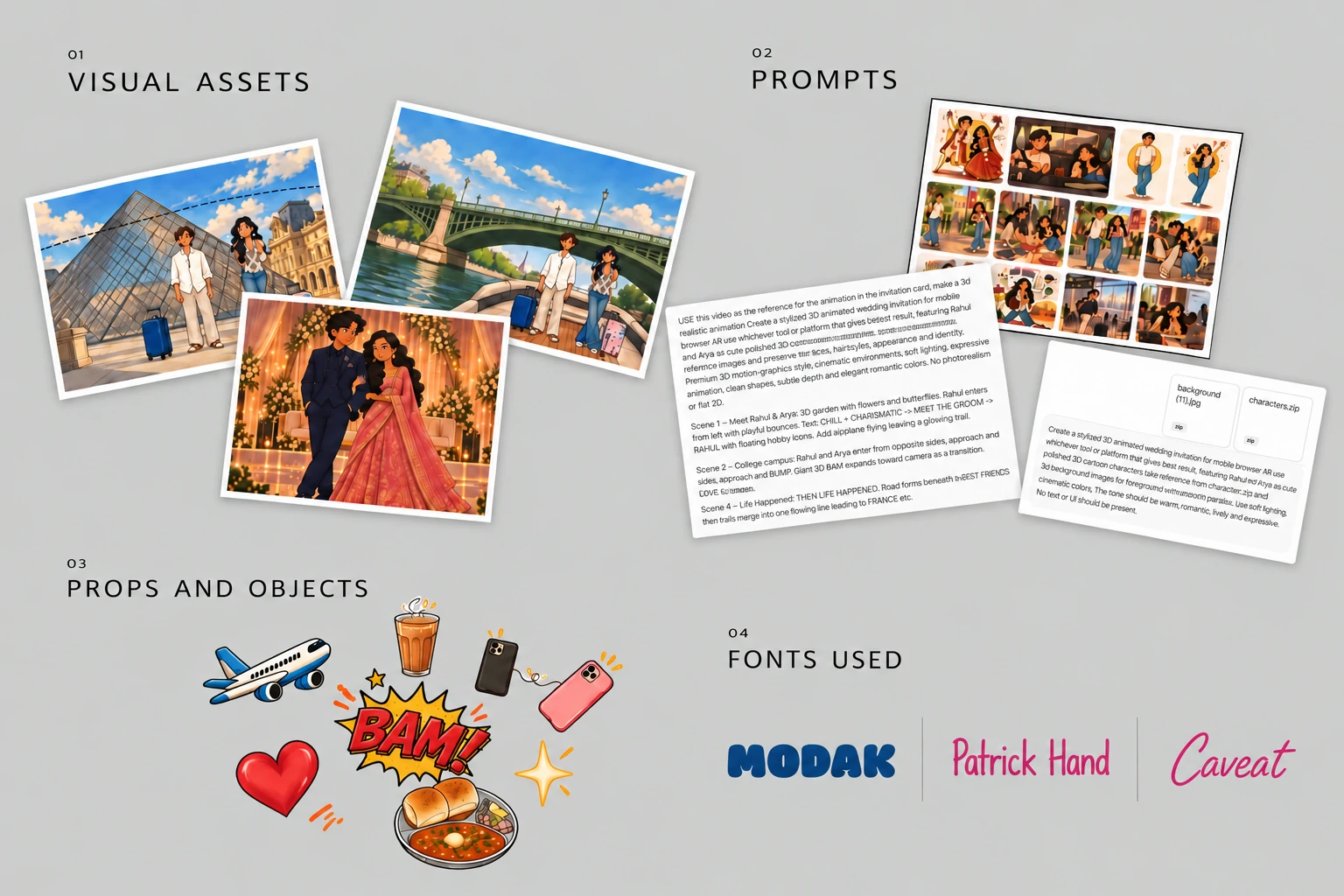
We took inspiration from stop motion. We wrote a motion rulebook before touching any animation. A character goes: move, hold, bounce, hold, slide, snap. Backgrounds transform too. One object grows bigger and carries you straight into the next scene. We locked two fonts for this feel: Modak for display and Patrick Hand and caveat for body, both warm and handmade.
Once the script, sketches and motion rules were locked, we split the work. ChatGPT generated the illustrated visual assets from detailed prompts. Claude built the AR.js browser experience and anchored those assets to the wedding card. A locked script gave every prompt a clear target. No guessing, no regenerating from scratch.
07 Publish and Iterate
Branches let us experiment without breaking what worked
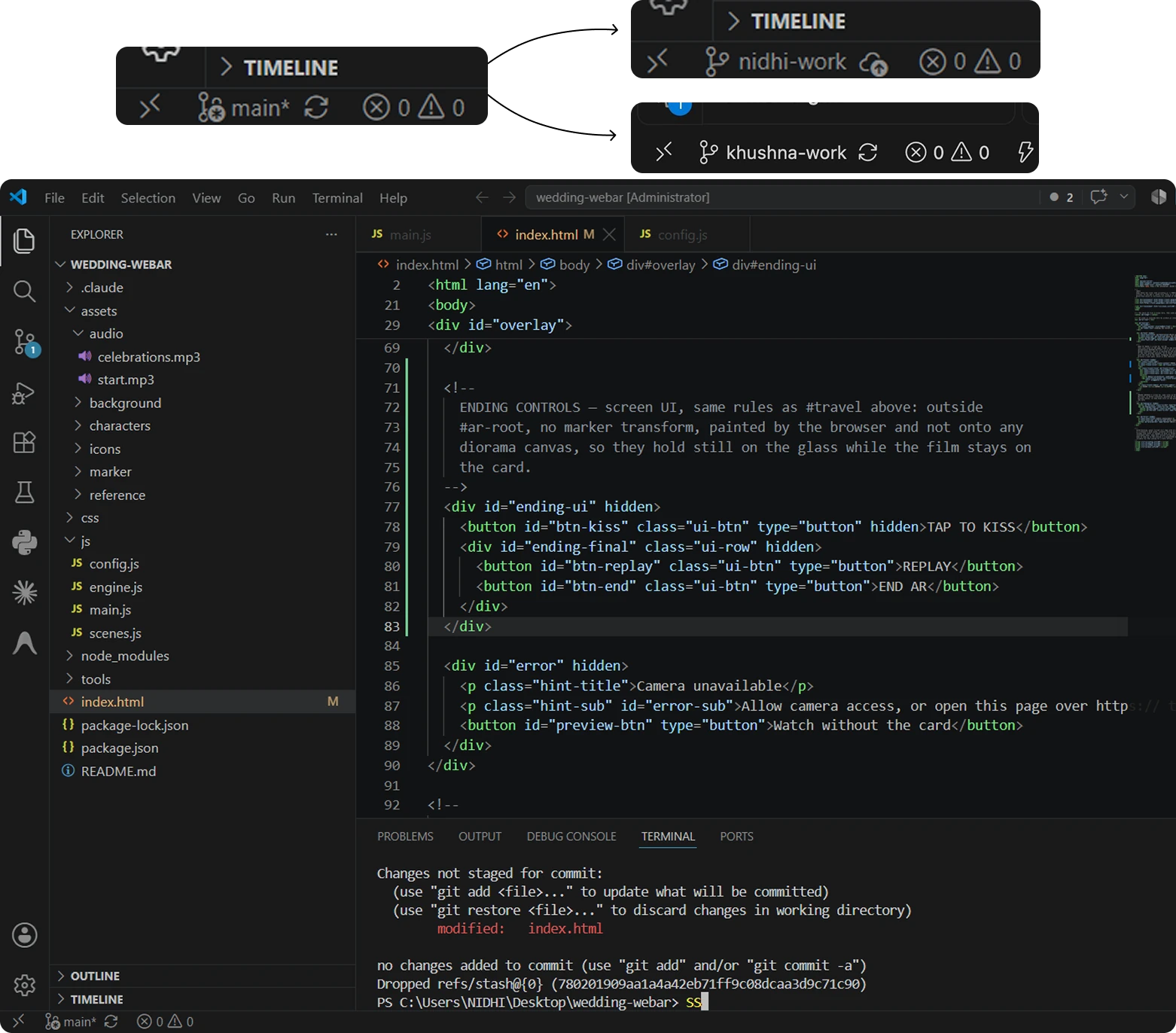
We published the first working version to GitHub, then split into two branches so we could refine different scenes in parallel. Each of us polished separate parts of the animation before merging everything back into one experience.
Working in branches meant we could take risks on individual scenes without touching the version that already worked end to end.
Prototype
See it in action
The full AR experience runs in the browser. Point your phone at the wedding card, and the story begins.
Live Demo
See it on your own phone
Try it yourself and scan the QR ↗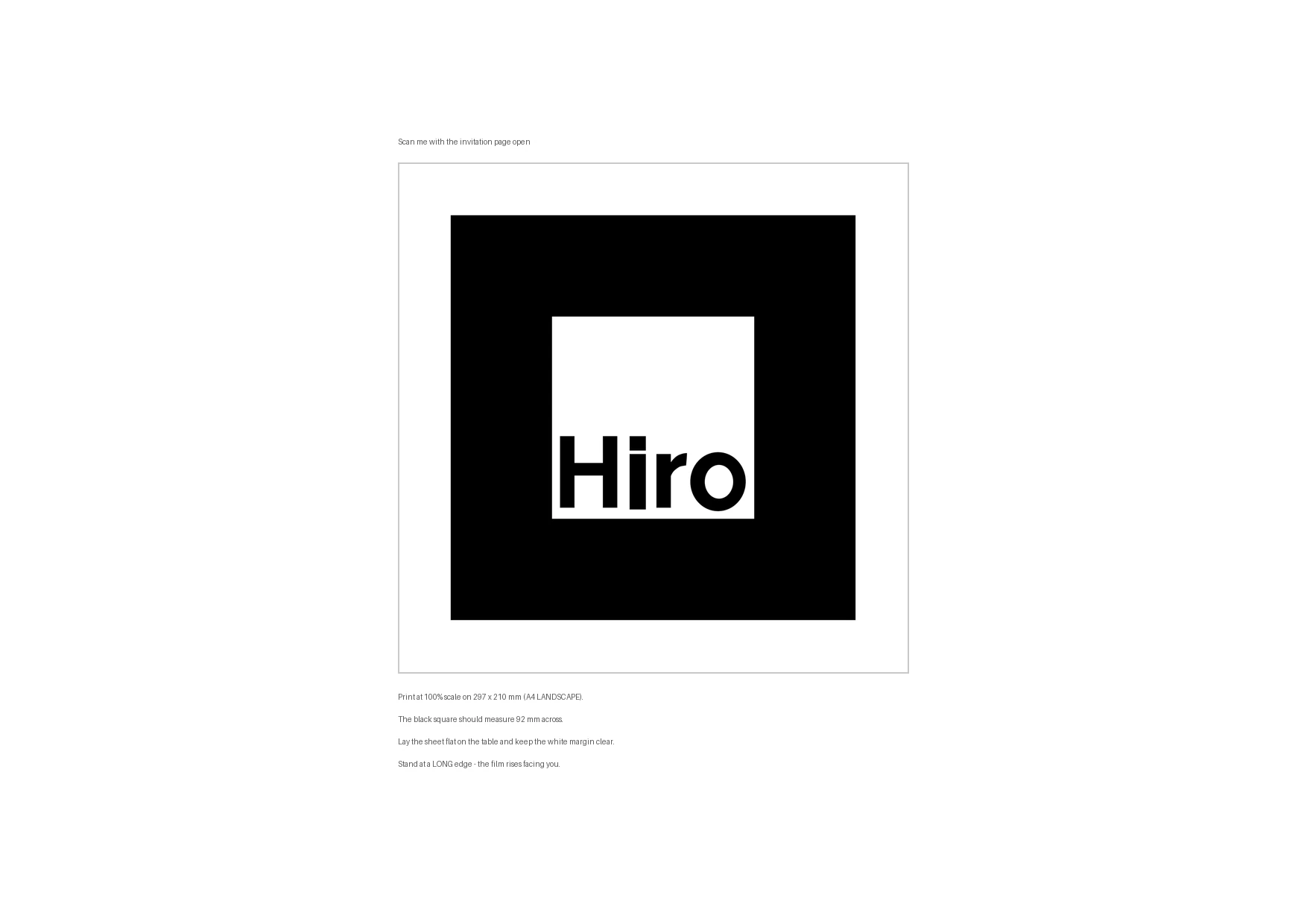
Note: lay the QR flat on a surface before scanning, then keep your phone held steady over it to see the invite come to life.
What we learnt
Reflections on building with AI
Delight lives in small reactions
Immersion didn't come from complexity. It came from specific, well-timed responses tied to a real user action. A wave back, a glow, a bounce. Not just looking 3D.
Process before output
Locking direction, characters, interaction mapping and script before touching AI tools meant every generation had a clear target. No guessing, no regenerating from scratch.
Ideation is the real skill now
When AI can generate almost anything, the value shifts to knowing exactly what to ask for, in what order, and why. That is the actual design work.
Vibe coding needs a script
Prompting Claude worked best when we handed it a locked scene script and sketches. Ambiguity slowed everything down. Structure sped it up.
Branches make experimentation safe
Working in parallel branches let us try riskier ideas on individual scenes without breaking the version that already worked end to end.